Inquiry form updates: customer addresses, multiple configurations, and translations
The corporate gifting inquiry form just got its biggest update yet. It loads instantly, speaks your customers' language, and can now capture a complete customer address from the very first touch.
Collect a customer address from the start
When an inquiry is submitted, Send To Many creates the customer in your Shopify store if they don't already exist, matched by email address. You can now add a dedicated address field to your form, and it populates that new customer's default address automatically. If the submitter is already a customer, the address is set as the billing address on the Send created from the inquiry instead. It's a great way to collect a billing address for new inquiries and ensures you have accurate info on file right from the start of the process.
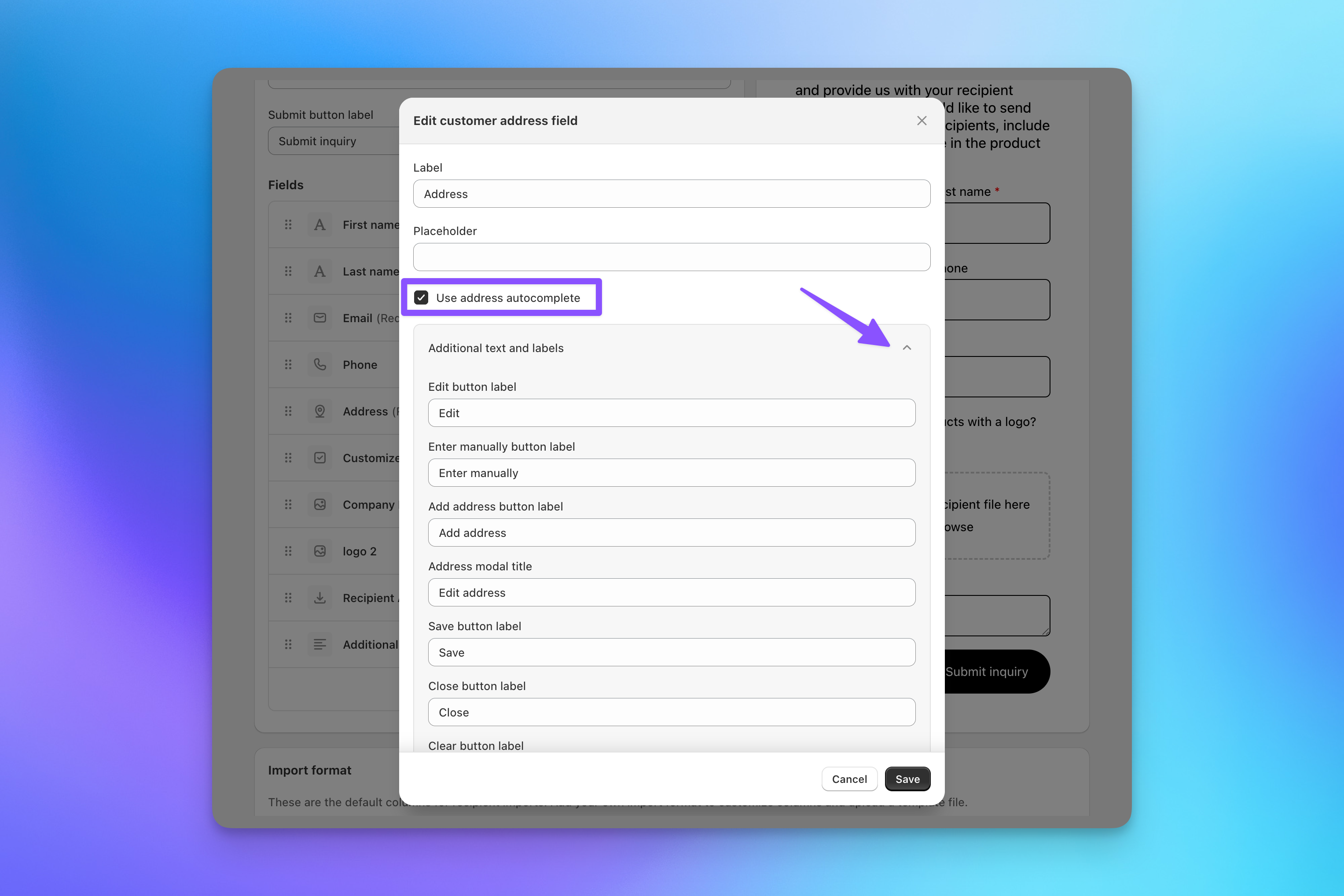
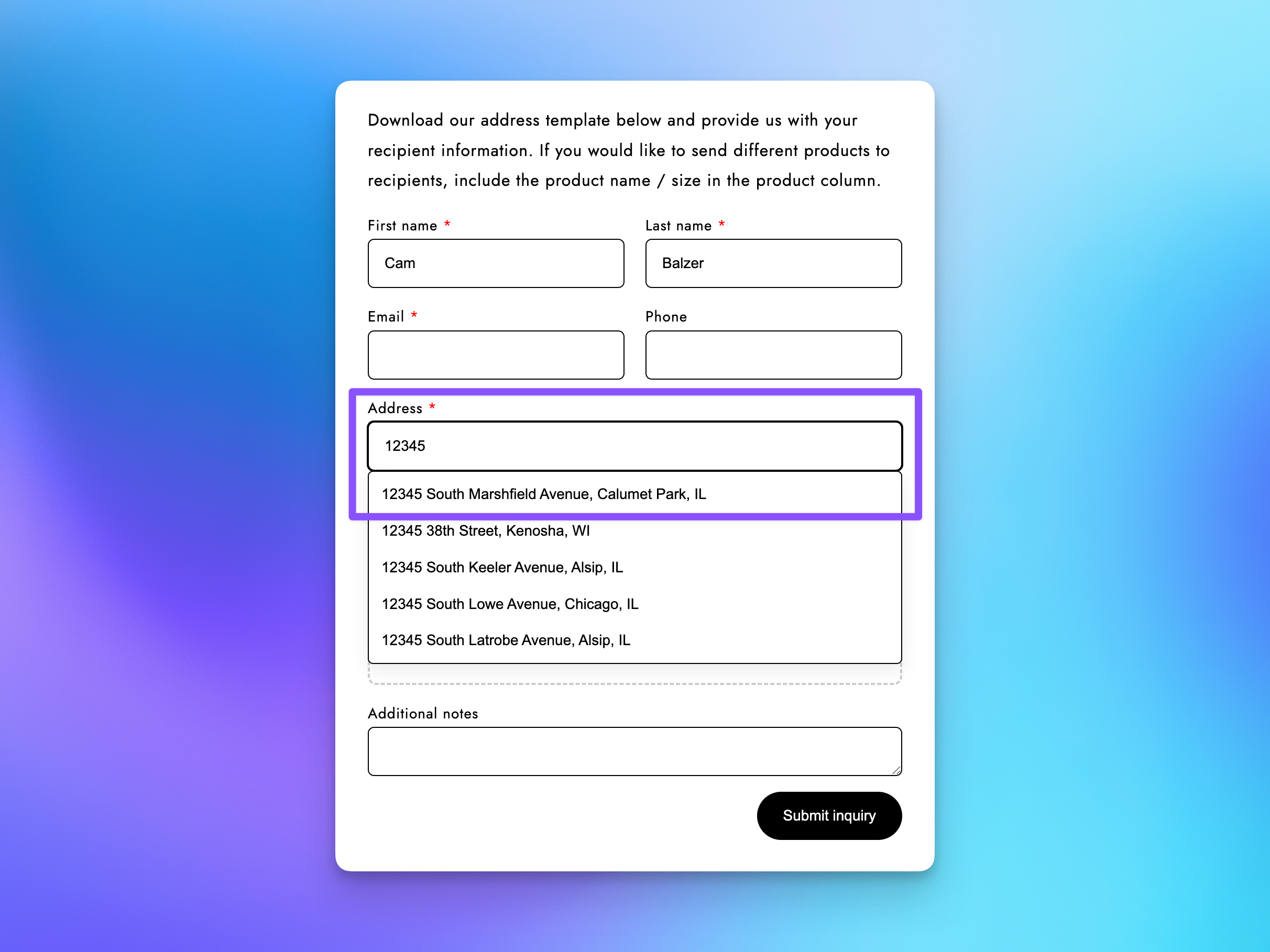
The field includes address autocomplete, so your customers get suggestions as they type: fewer typos, less friction, cleaner data when you convert the inquiry into a Send.
Run different forms for different pages
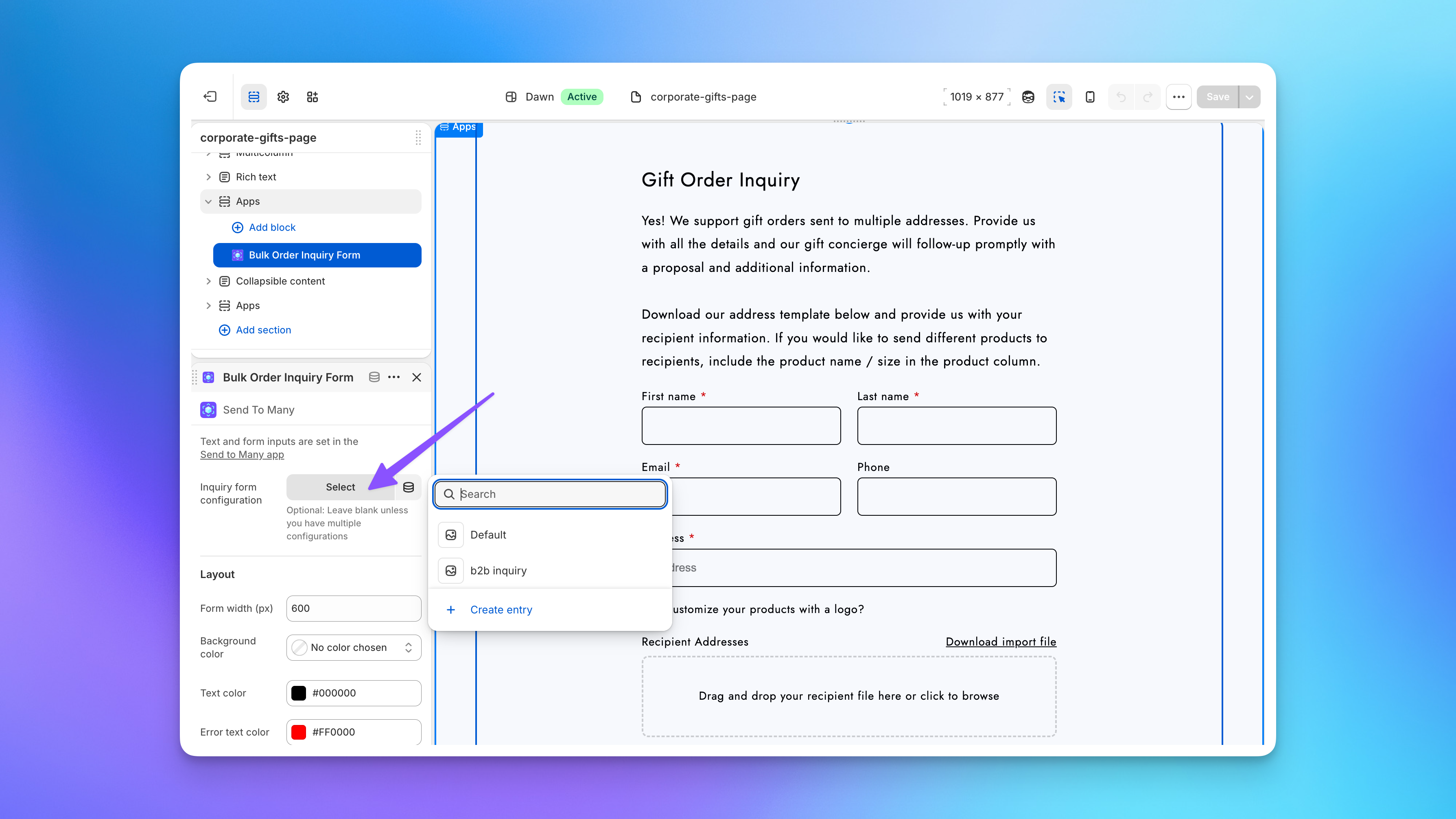
You can now create multiple inquiry form configurations, each with its own fields, text, and settings. Set up a corporate gifting form on one page and a B2B inquiry form on another, then pick the configuration for each placement right in the theme editor.
Speak your customers' language
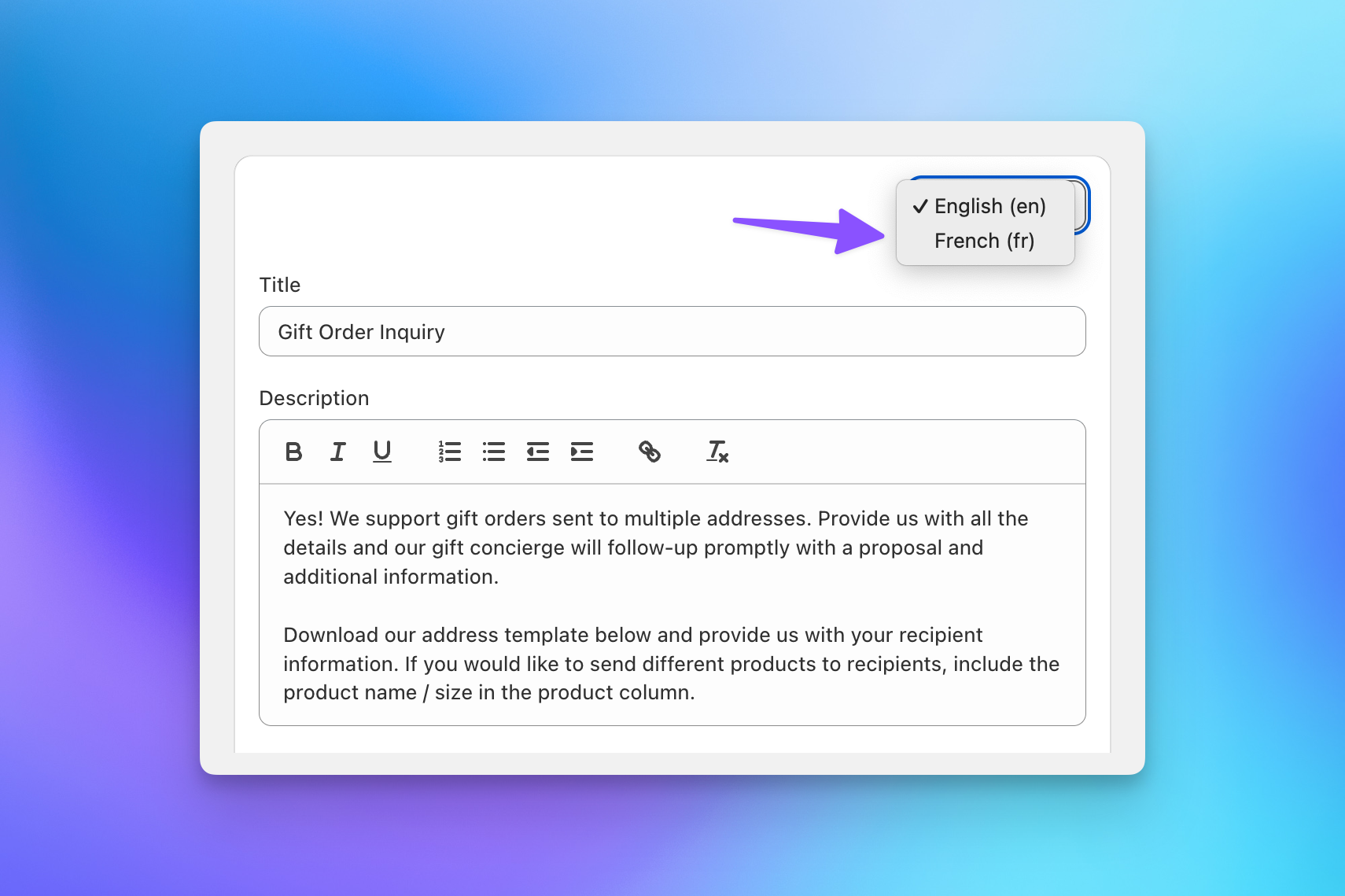
Inquiry form text and labels now support translations, matching the translation support already available in the multi-recipient checkout and customer account extensions. Configure each language's text in the form settings.
Faster and more flexible
A few more improvements round out the release: the form now renders instantly with no network request required, every field's placeholder text is editable, and the recipient file upload field is optional, so customers without a spreadsheet ready can still submit their inquiry.
The customer address field and multiple form configurations are available on Pro and Enterprise plans. Existing forms keep working as-is: no action required. See Configure Inquiry Form Fields, Logic & Notifications to get started.