Send Again (beta): turn last year's gift givers into this year's repeat orders
:::warning Beta feature Send Again is in beta. Settings and plan availability may change. Contact us if you have questions or feedback about the functionality. :::
Your best gifting customers already have a list. They sent 80 holiday gifts last year, or a welcome kit to every new account each quarter, and the hardest part of doing it again is finding that spreadsheet. Send Again turns those gift givers into repeat customers: they click a link, log in, and their recipients and addresses land in the Send To Many cart, ready to review and pay for.
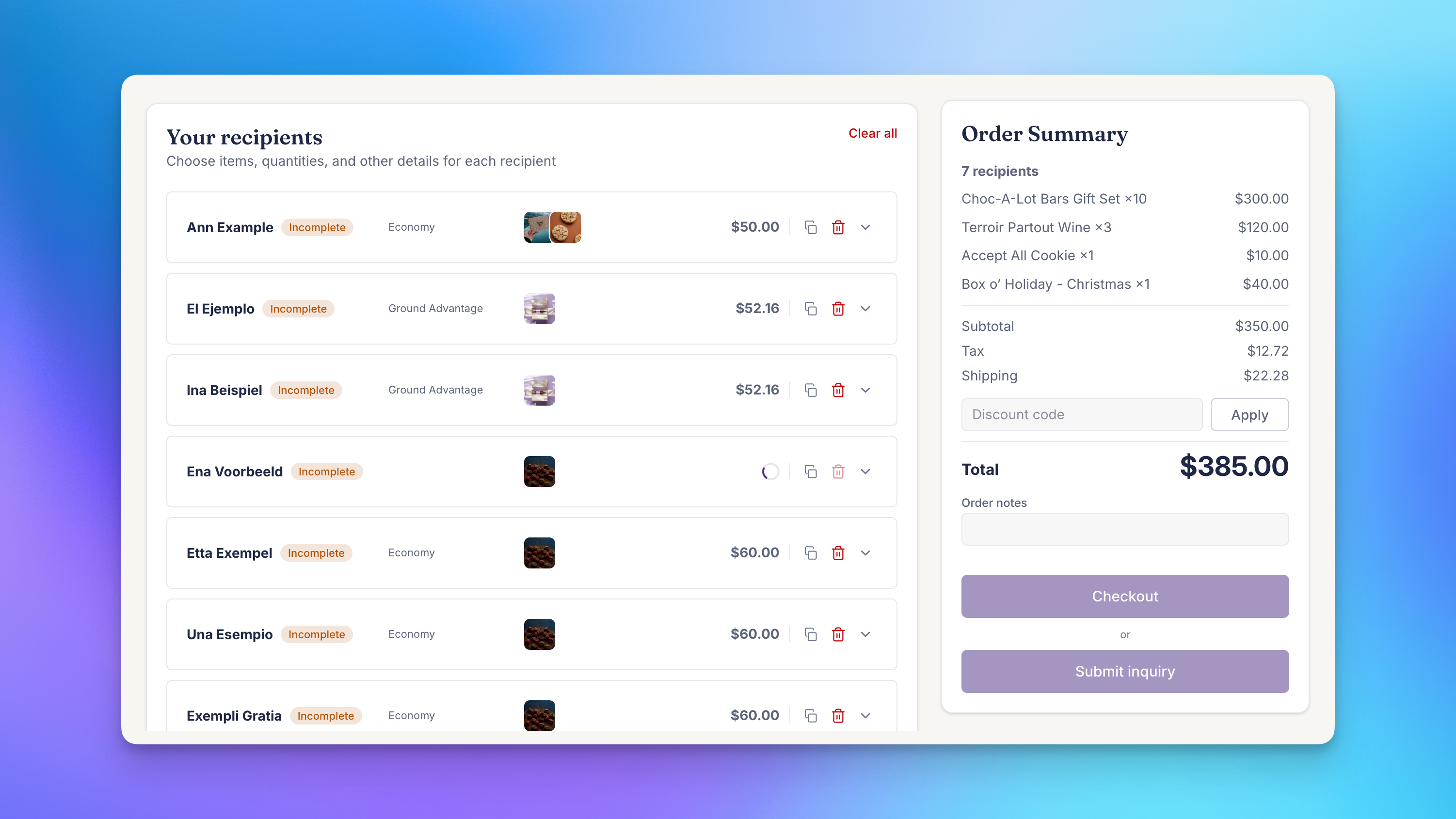
The Send To Many cart is the same storefront checkout you already use, built for customizing gift orders for dozens or even 100 recipients: per-recipient products, addresses, gift messages, and shipping dates, with totals that update as the gifter edits. Send Again gives it a head start.
What's included
- Send again from a past Send. On the Sends page in their Shopify customer account, a gifter opens a past Send and clicks Send again. Recipients, addresses, products, and gift messages load into the cart.
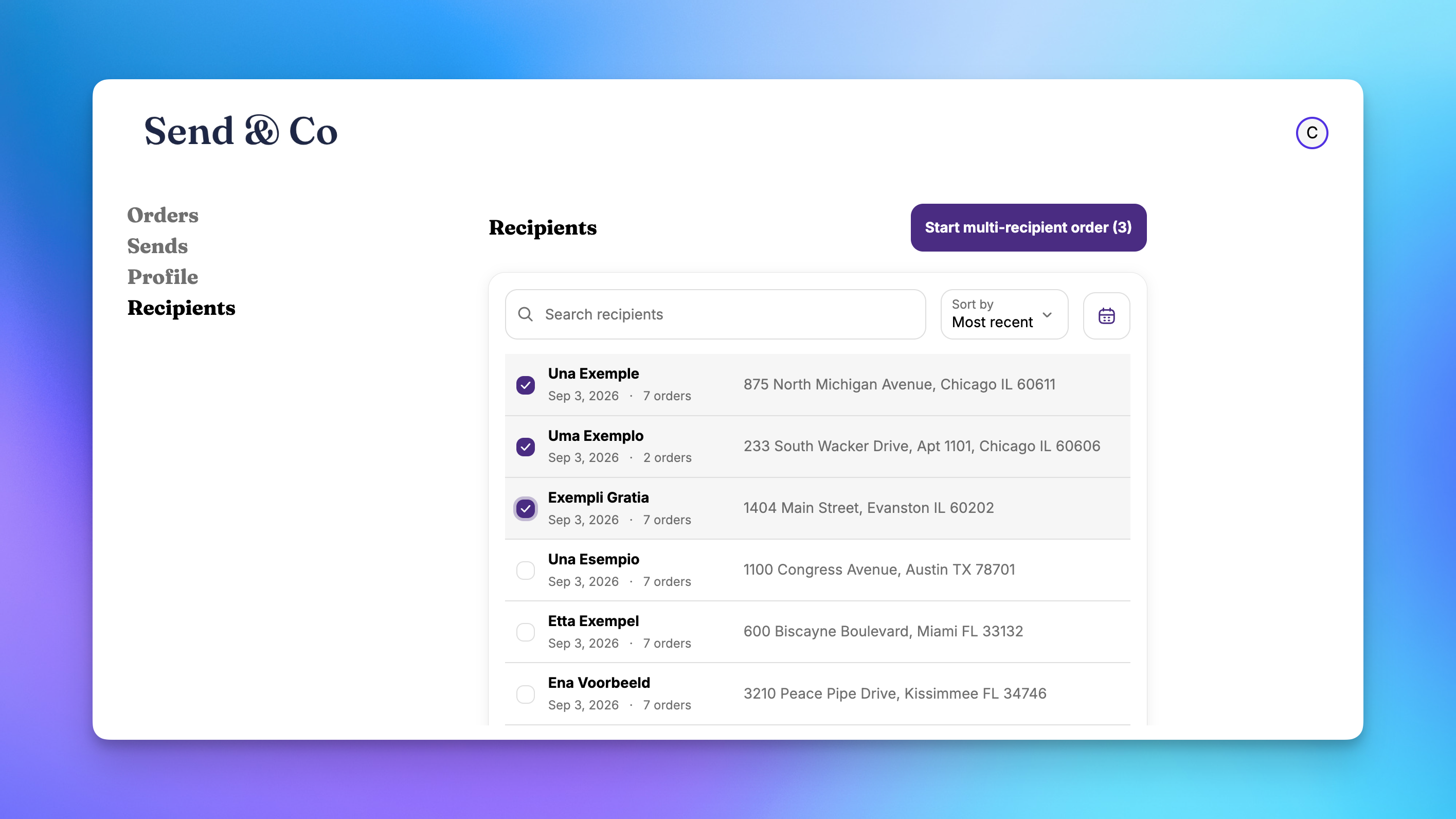
- Pick from past recipients. A new Recipients page in the customer account lists everyone the customer has shipped to, drawn from their Shopify order history. It covers them however those orders were placed: one at a time, across several Sends, or through another bulk order tool, as long as each recipient has an order in Shopify. They search or filter by date, select recipients, and start a multi-recipient order.
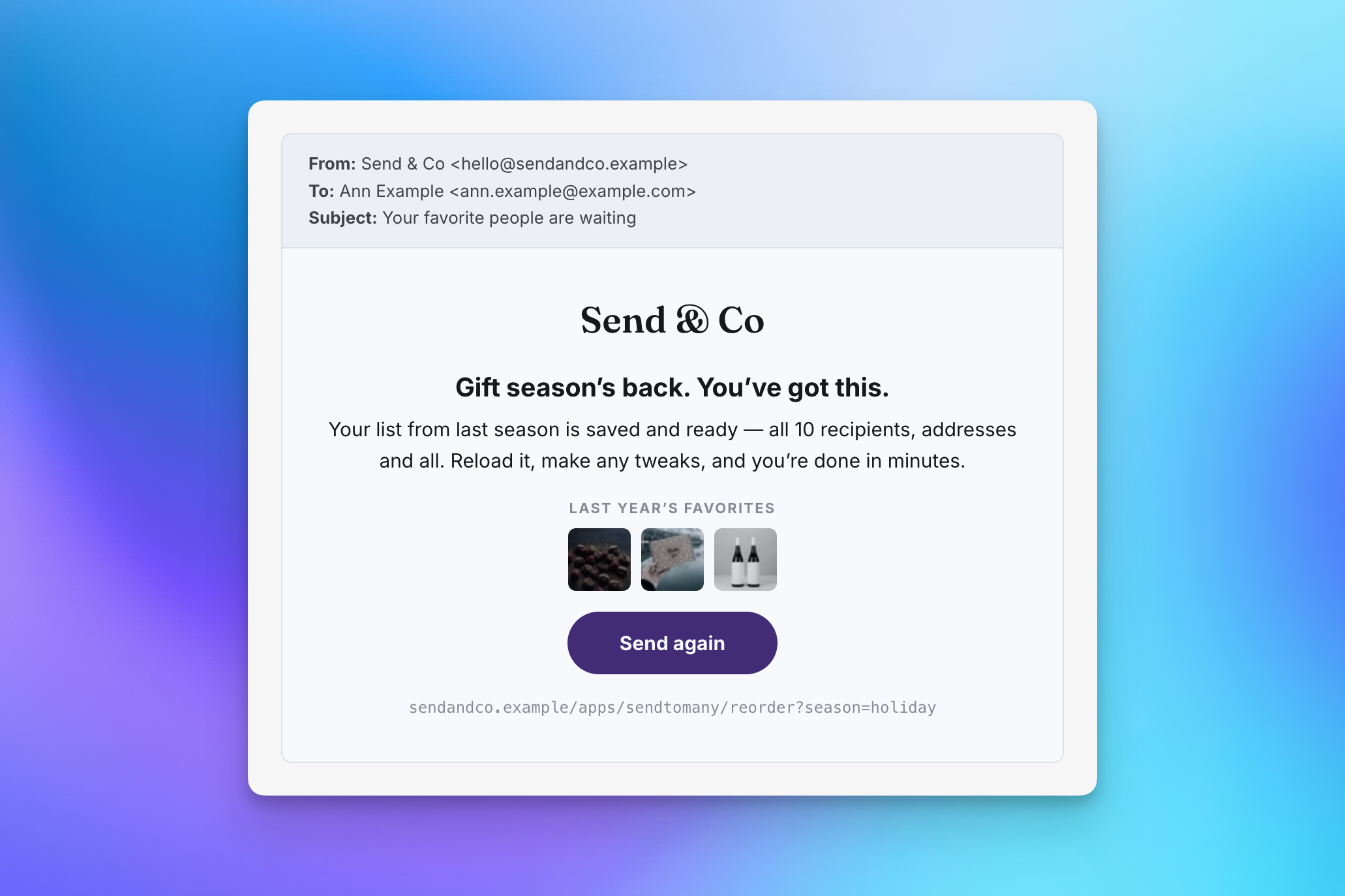
- One link for email and SMS campaigns. A single Send Again URL for your store works for every customer. After they log in, we take each customer to the right starting point: their past Send loaded in the cart, their list of Sends, or their Recipients page.
- Links you can share from the app. Open any finished Send in Send To Many and copy a Send Again link for that customer, ready to paste into a personal note to your largest accounts.
- Collection mode for this year's gifts. If your products changed from last year, use a collection page as the landing page. Recipients and addresses load, and the gifter chooses from this year's featured gifts instead of last year's products.
- Handles what changed. Products that are sold out or no longer available are left off, with a message so the gifter can pick a replacement. Shipping, tax, and totals are calculated fresh at current prices.
Send Again is available on monthly and annual paid plans and requires Shopify's new customer accounts. Customers log in to their store account before their list loads, which keeps recipient names and addresses private.
Get started
- Send Again: Let Customers Repeat a Multi-Recipient Order: setup, requirements, and what carries over.
- Win Back Last Year's Holiday Gifters with Send Again: a campaign playbook, from finding your gift givers to the email.
Related: Delivery digest emails (beta), the other beta feature for keeping repeat gifters informed.